
How to redeem Idle Champions codes
On PC, open the shop with S or the chest screen with O, then choose Enter a combination or Unlock a Locked Chest.
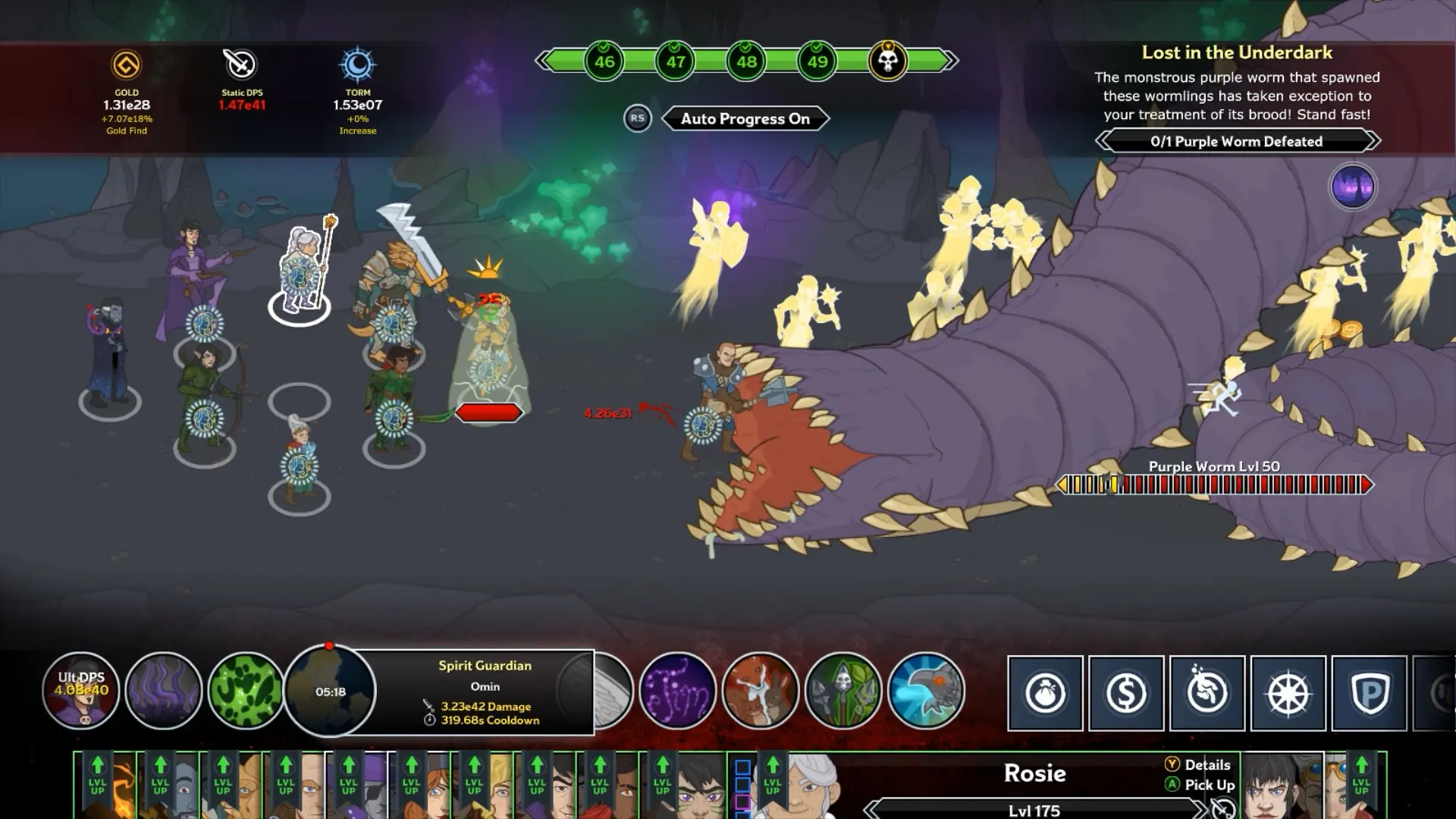
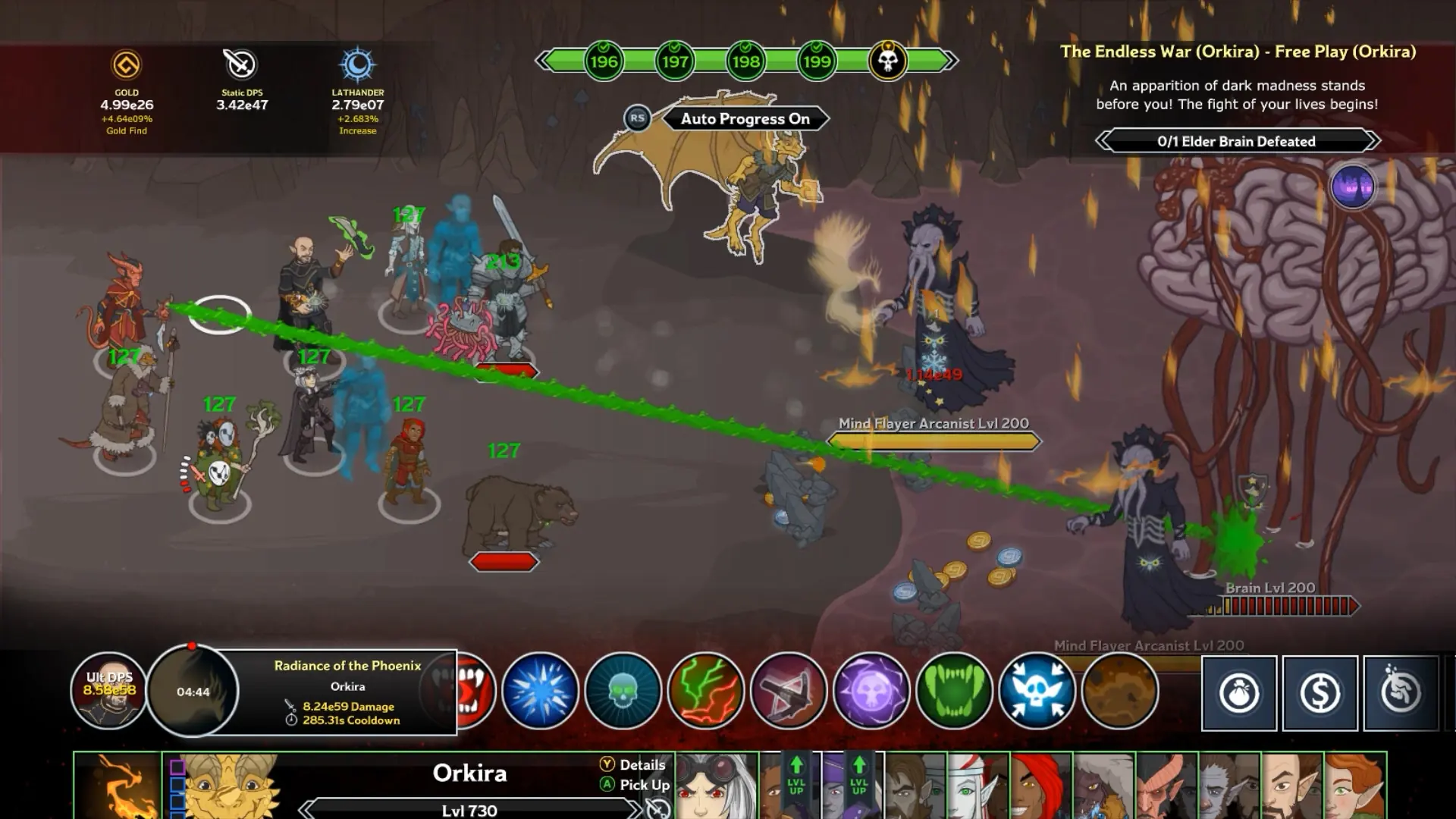
PC and the same layout on phones
The combinations wiki describes a 12- or 16-character string. You can type it, paste it, or roll the on-screen letters, then press Unlock or Enter. The shop button sits in the upper area of that screen. The locked-chest control sits toward the lower left of the chest screen. I am describing the control names from that wiki page and the official FAQ, not a private client log.
Phones use the same shop and chest ideas. The patron button the wiki mentions for PC and mobile is a top-left control. Consoles are the odd one out: the patron FAQ says console menus live inside the system menu, and I use that only as a hint that the combination box may not sit on the same hotkey. I have one source for the console menu placement, so I do not draw a per-platform diagram.
Failures that are not a typing error
A string can be refused because the account already claimed it, because the string was mistyped, because the offer was tied to another platform, or because the list that printed it has an end date. Event champions and newsletter champions have their own gates: Hitch is the newsletter signup in the official FAQ, and event champions return through time gates. Those gates are not chest codes.
If the newsletter never arrived, the FAQ path is the signup itself, not a backup string on this site. I do not publish a guessed replacement.
FAQ
What hotkey opens the chest screen?
The combinations wiki uses O for the chest screen and S for the shop.
Are console steps identical?
PC and phone steps are the ones written on the wiki. Console placement is only inferred from the patron menu note, so it stays a single-source hint.
Related
Sources
- Fandom Combinations — checked 2026-11-09
- Official FAQ — checked 2026-11-09
- Fandom Patrons — checked 2026-11-09